Best Camera for Barbershop
As an Amazon Associate we earn from qualifying purchases. Some links in this guide are affiliate links — see our affiliate disclosure for details.
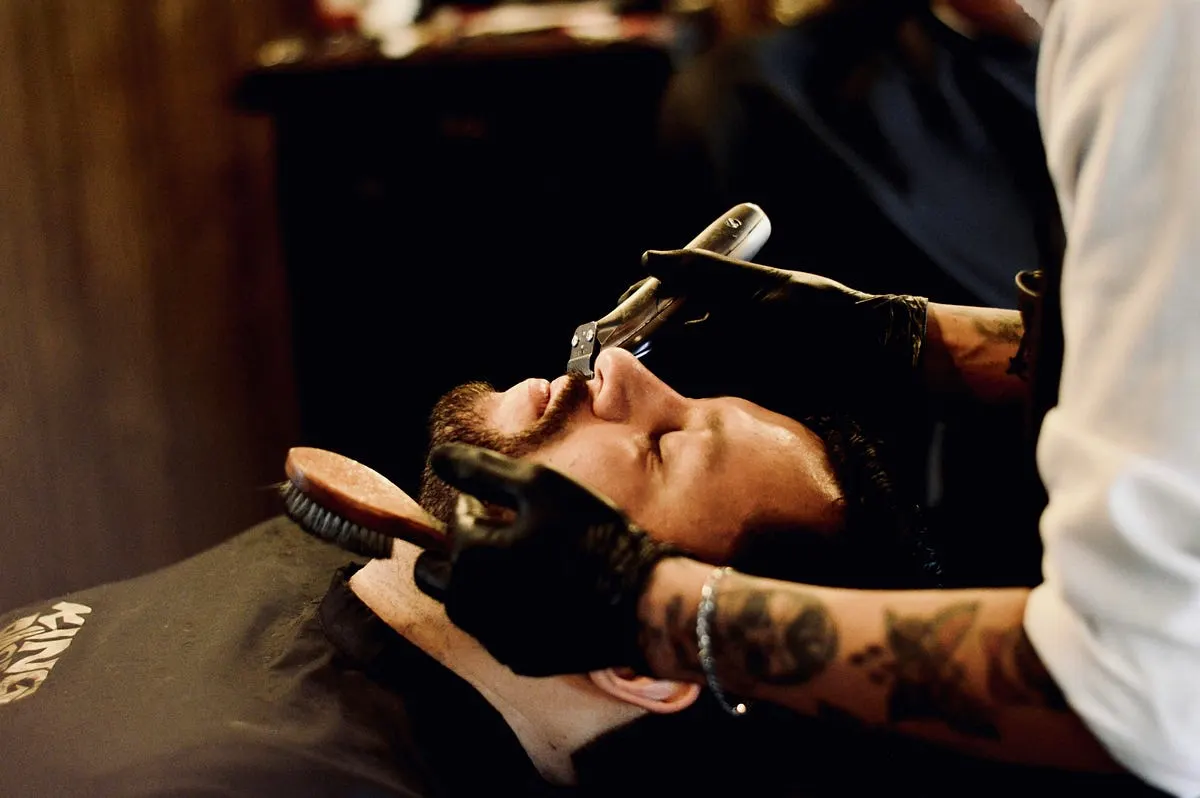
Photo by Antonio Reynoso on Unsplash
If there is one thing that can make or break a barber or stylist’s digital portfolio, it isn’t the crispness of the lineup or the seamlessness of the balayage — it’s the lighting and the glass capturing it.
Every day, incredible artistry gets completely flattened by harsh salon fluorescent lights and standard smartphone wide-angle lenses that warp facial features. If you want a portfolio that commands premium prices, you need a dedicated camera setup.
Here is a breakdown of the best camera gear for barbershop and salon portfolios, along with a few hard-learned lessons on how to capture the perfect cut.
My Top Picks
- Sony a7 IV — Check Price
- Canon EOS R6 Mark II — Check Price
- Sony a6400 — Check Price
- Canon EOS R50 — Check Price
Why Smartphones Stand Between You and Premium Clients
A few years ago, a close friend of mine who runs an upscale parlor asked me to look at his Instagram portfolio. He was a master with the clippers — clean mid-fades, razor-sharp lines, flawless textures. But online? His work looked muddy.
His shots were taken on a smartphone directly under the harsh overhead track lights of his station. The skin tones looked washed out, the intricate gradient of his fades disappeared into pixelated shadows, and the phone’s wide lens subtly distorted his clients’ head shapes.
I brought a proper camera body and a sharp portrait lens into his shop for an afternoon. We shut off the overhead lights directly above the chair, set up a simple, soft side light, and took a few portraits.
The difference was staggering. Suddenly, you could see individual hair textures. The skin tones were rich and natural, and the blurry, out-of-focus background made the haircut pop right off the screen. That week, he pinned those images to his profile. Within a month, his booking requests for high-end services jumped significantly. Clients don’t just buy the haircut; they buy the premium experience they see in the photo.
Top Camera Recommendations for 2026
When choosing a camera for a fast-paced shop environment, you need three things: excellent eye-detection autofocus (so you never miss focus while a client is moving), solid low-light capability, and an intuitive interface that doesn’t require a degree in engineering to operate between appointments.
1. The All-Rounder Champion: Sony a7 IV
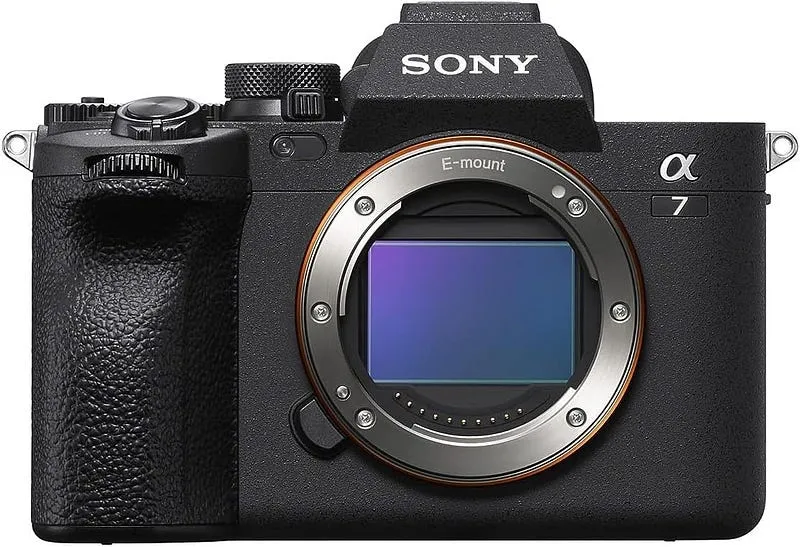
For most modern shops doing a mix of high-resolution stills and crisp TikTok or Instagram Reel videos, the Sony a7 IV is the undisputed industry standard.
- The Magic: Its 33-megapixel full-frame sensor captures microscopic detail in hair textures, and Sony’s real-time eye tracking locks onto your subject instantly.
- Why it fits the shop: The massive selection of affordable third-party lenses (like Sigma and Tamron) means you can build a pro-tier kit without breaking the bank.
2. The Color & Detail Master: Canon EOS R6 Mark II
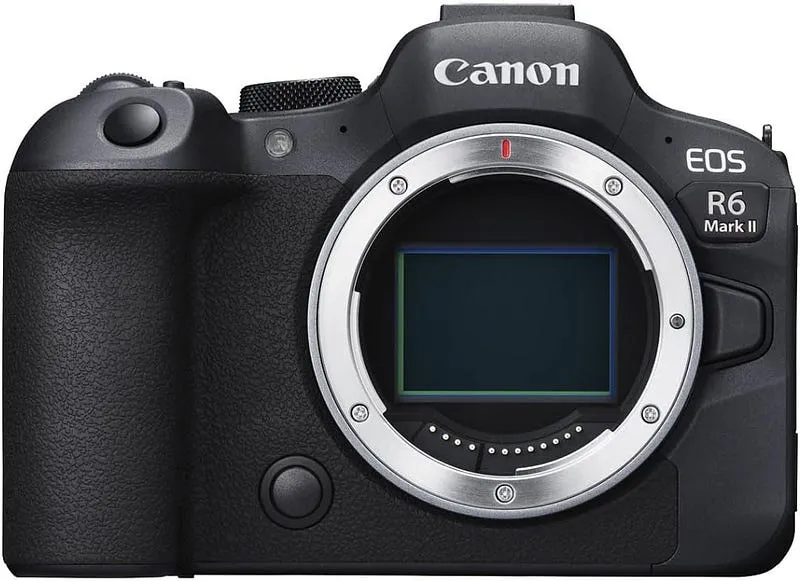
If you run a high-end color salon where capturing the exact tone of a platinum blonde or a subtle copper balayage is everything, Canon is your best bet.
- The Magic: Canon’s out-of-the-box color science handles skin tones and complex hair colors beautifully with very little editing required.
- Why it fits the shop: It features incredibly robust In-Body Image Stabilization (IBIS), allowing you to shoot pin-sharp photos hand-held, even in the dimmer corners of a salon.
3. The Compact Budget Pick: Sony a6400 or Canon EOS R50
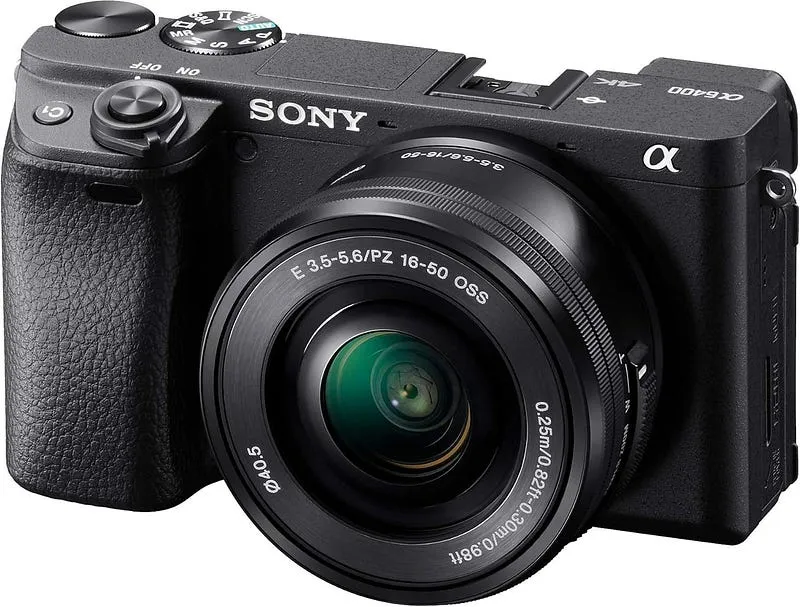
You don’t need to spend thousands to drastically beat a smartphone. A cropped-sensor (APS-C) mirrorless camera offers a lightweight, budget-friendly alternative.
- The Magic: Both systems offer elite autofocus tracking in compact bodies that can easily sit on your workstation counter without cluttering your space.
Affiliate note: This post has affiliate links. If you buy through them, I might earn a small commission (at no extra cost).
The Secret Ingredient: It’s All in the Lens
If you take away only one piece of advice from this guide, let it be this: The lens matters far more than the camera body.
Never shoot your portfolio with a wide-angle lens close to a client’s face. It skews proportions, making noses look larger and the shape of the head look unnatural. Instead, step back and use a focal length that mimics human eyesight or compresses the image beautifully.
- The Barber Prime (50mm f/1.8 or f/1.4): Often called the “nifty fifty,” a 50mm lens is affordable, compact, and lets you shoot at wide apertures (like f/1.8) to completely blur out a messy background, keeping all eyes on the fade.
- The Salon Portrait Pro (85mm f/1.8): If you have the space to step back 6 to 8 feet from your chair, an 85mm lens provides gorgeous, distortion-free facial proportions and an incredibly buttery background blur (bokeh) that looks instantly professional.
Quick Setup Tips for Flawless Portfolio Shots
- Kill the Overhead Fluorescents: Direct overhead lights cast deep shadows under the eyes and nose, and mask the texture of the hair. Turn them off or move your client away from them for the photo.
- Embrace Soft, Directional Light: Position your client at a 45-degree angle to a large window for beautiful natural light. If you don’t have good windows, invest in a single, large LED softbox placed slightly above eye level and to the side of your client.
- Watch the Angle: For a crisp lineup or fade, shoot directly level with the line you are trying to showcase. For longer styles and color work, shooting slightly from above or capturing a clean 3/4 back view highlights movement and dimension best.
Do I really need a full-frame camera, or is an APS-C (crop sensor) enough?
An APS-C camera (like the Sony a6400 or Canon R50) is absolutely enough for a salon portfolio, especially if your primary goal is posting to Instagram, TikTok, or your booking site. Full-frame cameras excel in extreme low-light situations and offer a shallower depth of field (blurry backgrounds), but modern crop-sensor cameras paired with a good prime lens will still deliver a massive, night-and-day upgrade over any smartphone.
Which is better for capturing hair color accurately: Canon or Sony?
Historically, Canon is favored by colorists because its out-of-the-box color science renders warm skin tones and vibrant hair colors beautifully with minimal editing. Sony cameras are incredibly sharp and technically advanced, but they can sometimes lean a bit cooler or more clinical, requiring a tiny bit of color tweaking in post-production to get the tones exactly right.
What are the best camera settings for shooting a crisp fade or a hair transformation?
To keep things fast between client appointments, use Aperture Priority (A or Av) mode.
- Aperture: Set it between
f/1.8andf/2.8. This keeps the haircut tack-sharp while completely blurring out your workstation or other styling chairs in the background. - ISO: Set this to Auto so the camera handles the brightness of your shop automatically.
- Autofocus: Set your camera to Continuous AF (AF-C) and turn on Eye Detection. This ensures that even if your client shifts slightly in the chair, their eyes and the hair framing their face remain perfectly in focus.
Ring light vs. Softbox: Which lighting setup should I buy for my station?
Skip the ring light and buy a softbox. Ring lights create a very distinct, artificial circular reflection in the eyes and can flatten the dimension of a haircut. A large, rectangular or octagonal LED softbox creates a massive, gentle light source that mimics a bright window. Placing a softbox slightly to the side of your client casts subtle shadows that emphasize the texture, gradients, and hard lines of a precision cut.
How do I get the photos from the camera to my phone quickly for social media?
Every major camera manufacturer (Sony, Canon, Fujifilm, Nikon) has a free smartphone app that connects to the camera via Wi-Fi or Bluetooth. You can view the session on your phone, select the best 2 or 3 shots, and transfer them wirelessly in high resolution in less than 60 seconds right after the service is done.
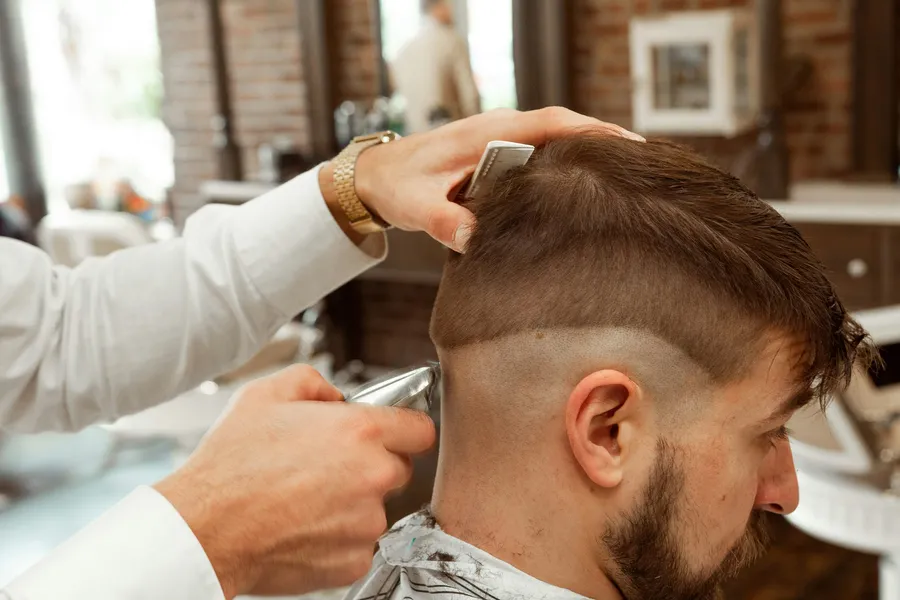
Photo by Michael DeMoya on Unsplash
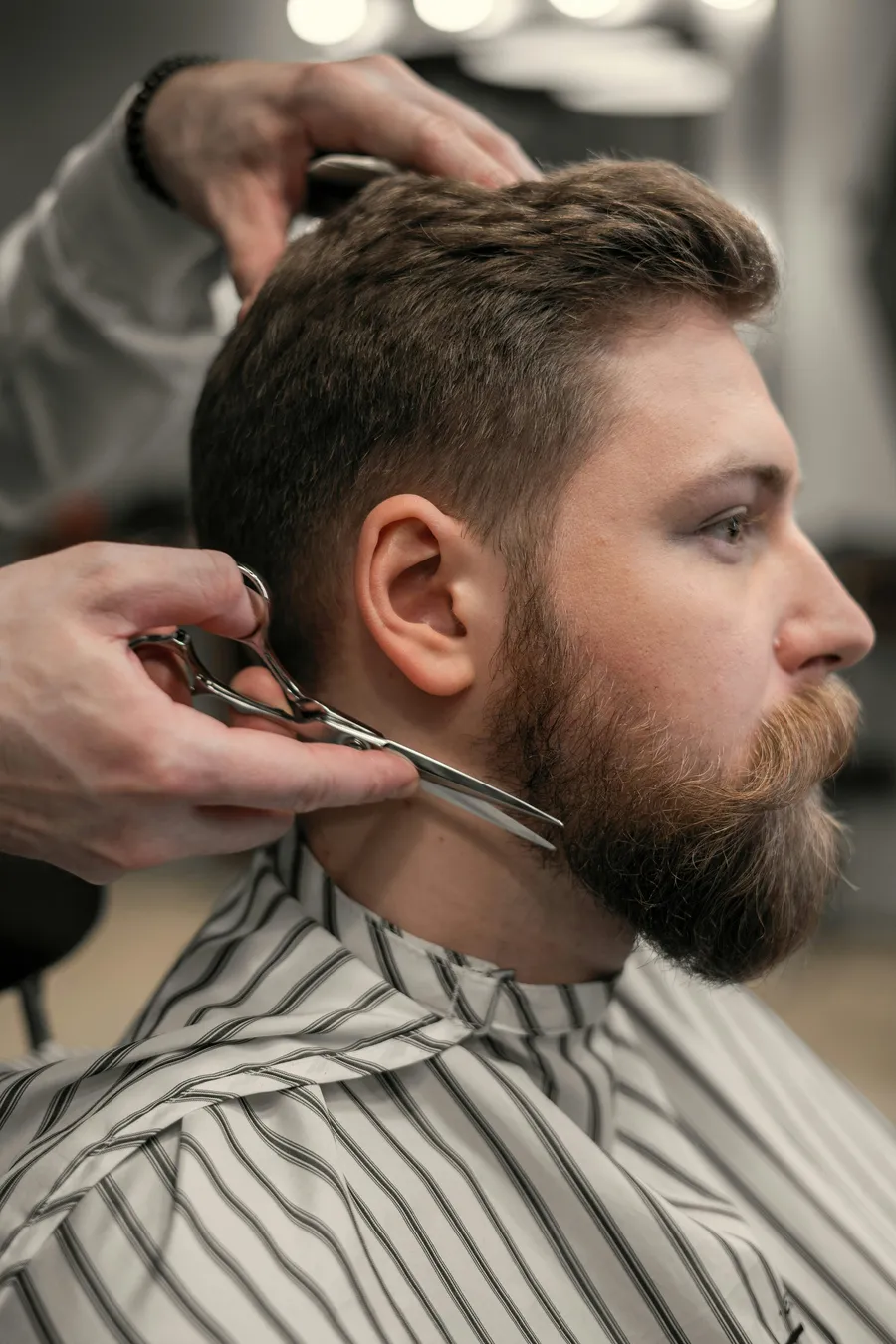
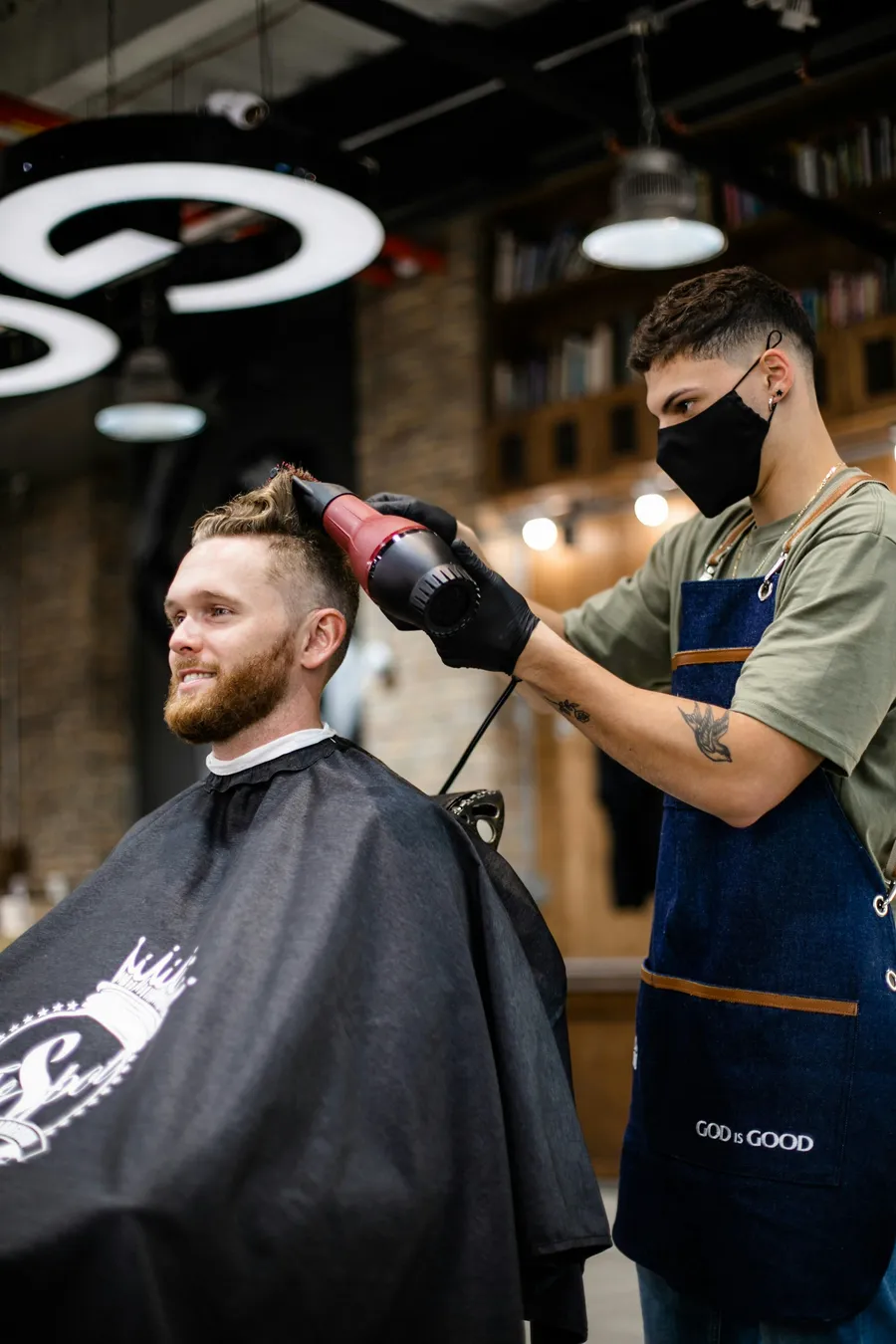
Photo by delfina pan on Unsplash
Written by
Marien CartelProfessional and Certified Digital Photographer born in the USA, with 22 years of experience in the field of photography.
Related Guides
Best Camera for Automotive Photography
What I Actually Reach For When I’m Shooting Cars. Here is how the Canon EOS R5, Sony a7 IV and Nikon Z6 III compare, and the one I keep going back to.
Best Cameras for Virtual Production
After I Wasted a Full Shoot Day Finding Out — why the Sony FX6 and Sony FX9 made the list, and who each one really suits.
Best DSLR Cameras for Beginners: (Guide & Reviews)
My Hands-On Experience with the Best Beginner-Friendly Cameras — why the Canon EOS Rebel T7 and Nikon D3500 made the list, and who each one really suits.