Best Camera for Table Tennis
As an Amazon Associate we earn from qualifying purchases. Some links in this guide are affiliate links — see our affiliate disclosure for details.
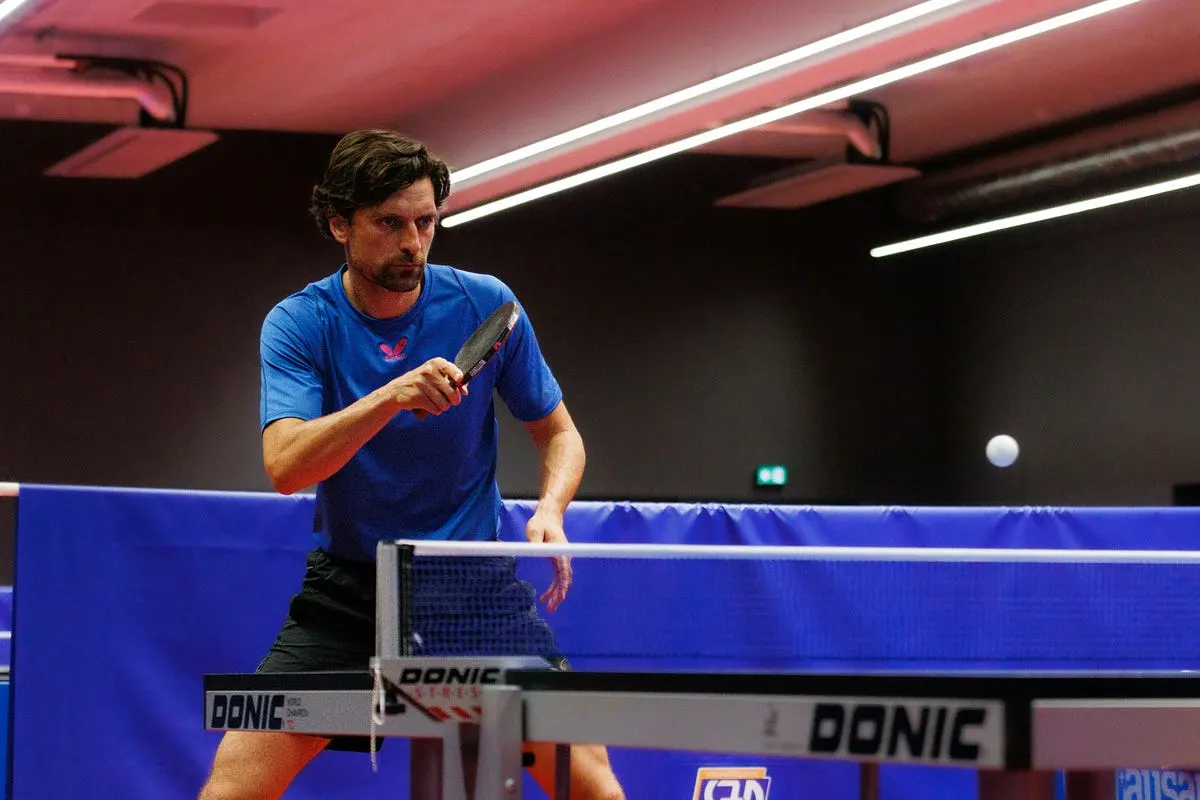
Photo by Nathanaël Desmeules on Unsplash
There’s nothing quite like the feeling of executing a perfect topspin loop in table tennis. The satisfying thwack as rubber meets ball, the impossible arc over the net, the way it dips violently onto your opponent’s side. For years, I knew I was hitting these shots in practice, but trying to capture that magic on video? Forget it.
My old smartphone footage looked like a blurry mess — a white streak zipping past a vaguely paddle-shaped object. It was frustrating. How could I analyze my technique, share my progress, or simply relive those beautiful shots?
- Sony ZV-1 — View on Amazon
- Sony RX100 VII — View on Amazon
- Sony a6400 — View on Amazon
- Fujifilm X-S20 — View on Amazon
- Canon R10 — View on Amazon
My Personal Camera Struggle
My journey started like many recreational players. I wanted to see what I was doing wrong (and occasionally, right!). My phone, a decent model at the time, failed miserably. The problems were classic:
- The Blur Monster: The ball moves incredibly fast. Standard 30fps (frames per second) video turned it into an indistinct white ghost trail. Forget seeing spin or contact point.
- Lighting Limbo: Most clubs and halls have less-than-ideal lighting — often dim or uneven. My phone’s tiny sensor produced grainy, dark footage where details vanished.
- Focus Fumbles: Autofocus couldn’t keep up. One second it was on me, the next on the net, rarely on the ball during the crucial moment.
- The Angle Agony: Getting a stable, useful angle close to the table was awkward with just a phone precariously balanced on a chair or water bottle.
I tried borrowing a friend’s basic point-and-shoot. Slightly better, but still plagued by motion blur and slow autofocus in low light. I knew I needed something more specialized, but as a hobbyist, dropping thousands wasn’t an option.
The Revelation: What Makes a Great Table Tennis Camera?
My research led me down a rabbit hole of specs. Here’s what truly matters for capturing the lightning-fast world of TT:
- High Frame Rate (FPS) is KING: This is non-negotiable. You need at least 120fps, but 240fps or higher is the sweet spot. This slows down the action dramatically, allowing you to see the ball’s rotation, your contact point, and body mechanics clearly. Slow-motion is essential.
- Good Low-Light Performance: Larger camera sensors capture more light, meaning less noise and clearer images in typical club conditions. Look for cameras known for good high-ISO performance.
- Fast and Reliable Autofocus (AF): The camera needs to lock onto the small, fast-moving ball and keep it locked. Hybrid or phase-detect AF systems are far superior to older contrast-detect systems.
- Decent Optical Zoom (or Interchangeable Lenses): You need to frame the shot well. Being able to zoom optically (not digitally) without losing quality is crucial for capturing rallies without being right on top of the table. A wider aperture (lower f-number like f/2.8) helps in low light.
- Stabilization: Optical Image Stabilization (OIS) or In-Body Stabilization (IBIS) helps smooth out handheld shots or minor vibrations if using a tripod.
- Portability & Ease of Use: Lugging huge gear to every session gets old fast. Something relatively compact is ideal. Good battery life is a plus.
My Solution (& Top Recommendations)
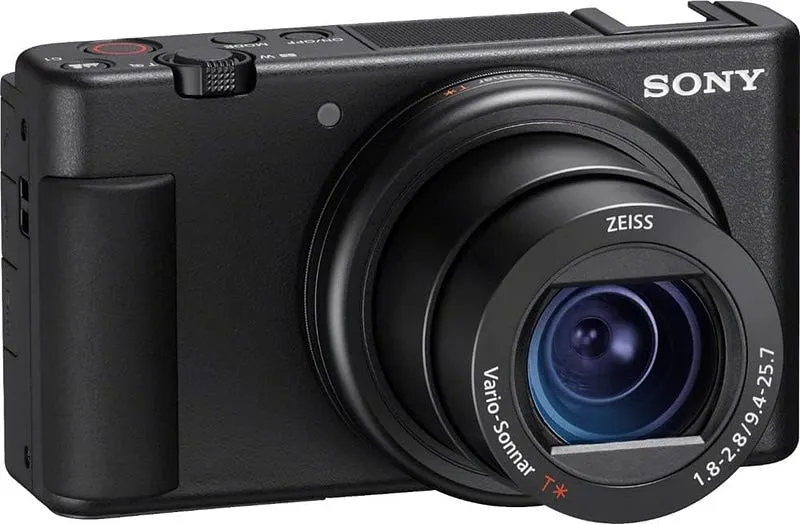
After weeks of comparing, I landed on the Sony ZV-1. It hit the sweet spot for me:
- Blazing Fast Slow-Mo: It shoots stunning 240fps and even 1000fps (though at lower resolution) — perfect for dissecting spin and technique.
- Excellent Autofocus: Sony’s Real-time Tracking AF is phenomenal. It locks onto the tiny ball surprisingly well, even during fast exchanges.
- Great in Low Light: The 1-inch sensor is significantly larger than a phone’s, making club lighting manageable.
- Built-in Zoom Lens: The 24–70mm equivalent zoom (f/1.8–2.8) is versatile enough to frame the whole table or get tighter shots.
- Compact & User-Friendly: Fits easily in my bag, flip screen is great for setting up angles, and it’s simple to operate.
The Moment It Changed Everything
Setting it up on a small tripod near the net (safety first!), I hit record during a practice session. Later, watching the 240fps footage was a revelation. I could finally see it! The brush of the rubber against the ball, the exact moment of contact on my forehand loop, the insane topspin rotation causing the ball to kick up off the table. I spotted flaws I never knew existed — a slightly closed paddle angle here, insufficient knee bend there.
More importantly, I could see when I got it right. That perfect, whipping motion producing a heavy, dipping ball. It wasn’t just guesswork anymore; it was visual proof and a powerful learning tool.
Other Strong Contenders (Based on Needs & Budget)
- Smartphone (The Accessible Option): Don’t underestimate modern flagships! iPhones (Pro models) and high-end Androids (Samsung S/Ultra, Google Pixel) now shoot excellent 240fps slow-mo. Pair it with a sturdy mini tripod and use an app like Filmic Pro for more control. Pros: Always with you, easy sharing. Cons: Smaller sensor struggles more in low light, fixed lens limits framing, AF can still be hit-or-miss on the ball.
- Sony RX100 VII (The Premium Compact): Similar to the ZV-1 but with a longer zoom (24–200mm equivalent) and even faster AF. Excellent if you need more reach. A bit pricier.
- Mirrorless/DSLR with Fast Lens (The Enthusiast Choice): Cameras like the Sony a6400/a6700, Fujifilm X-S20, or Canon R10/R7 paired with a fast lens (like a 35mm f/1.8 or 50mm f/1.8 prime, or a 16–55mm f/2.8 zoom) offer the best image quality and flexibility. Pros: Superb image quality, interchangeable lenses, best AF and low light. Cons: Bulkier, more expensive, learning curve.
- Action Cameras (GoPro Hero 11/12, DJI Osmo Action 4): Great for unique angles (mounted on the table, headcam), super wide field of view, and excellent stabilization. Shoot high frame rates (240fps). Pros: Very durable, unique perspectives, good stabilization. Cons: Ultra-wide lens distorts the table/players, smaller sensor = worse low light than compacts/mirrorless, fixed lens.
My Advice After My Journey
- Start with Your Phone (Seriously!): Before buying anything, experiment with your phone’s slow-motion mode (usually 1080p/120fps or 720p/240fps). Use a good tripod. You might be surprised. It’s the most accessible entry point.
- Prioritize FPS: If upgrading, make 240fps your minimum target. It’s the game-changer for seeing spin and technique.
- Consider Low Light: Be honest about where you play. If it’s dim, sensor size matters (1-inch or APS-C).
- AF Matters: Research autofocus performance specifically for tracking small, fast objects.
- Stability is Key: A small, sturdy tripod is essential regardless of the camera.
The Takeaway
Finding the right camera transformed my relationship with table tennis. It’s no longer just about playing; it’s about seeing, understanding, and improving in a way I never thought possible. Whether you use your phone, a compact like the ZV-1, or dive into mirrorless, capturing those lightning-fast rallies and beautiful spin shots is incredibly rewarding. It fuels the learning process and lets you truly appreciate the intricate beauty of the sport. Now, go capture your perfect loop!
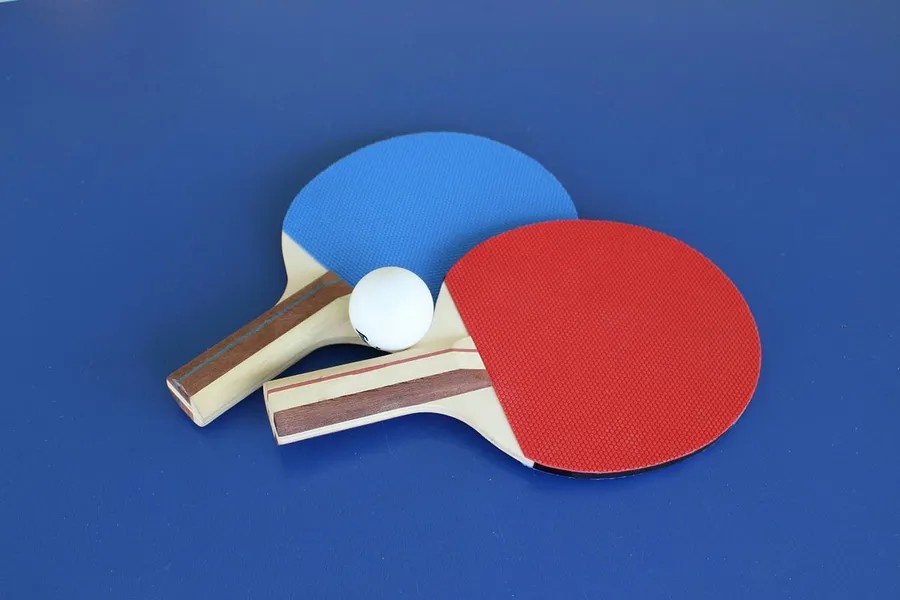
Photo by Lisa Keffer on Unsplash
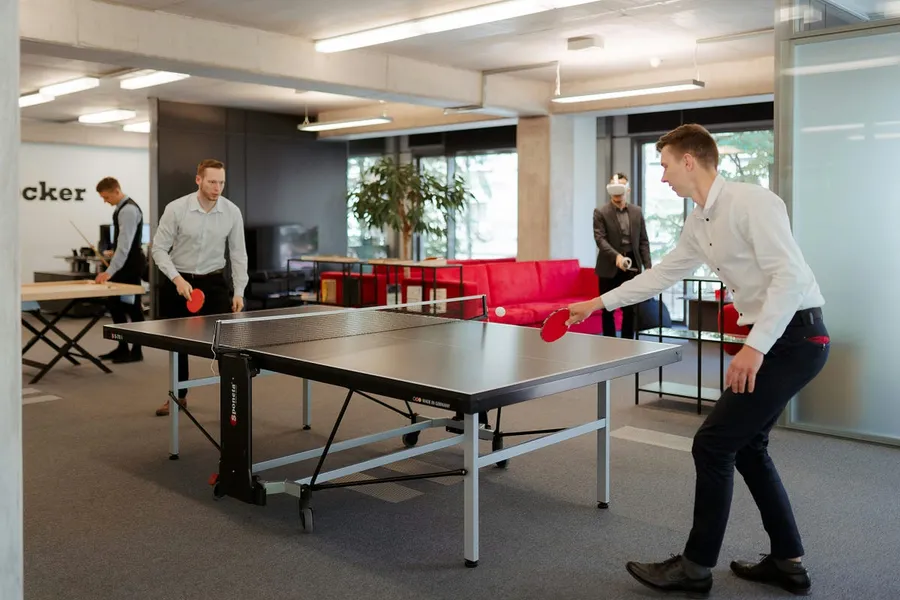
Photo by Aleksandrs Karevs on Unsplash
Written by
Marien CartelProfessional and Certified Digital Photographer born in the USA, with 22 years of experience in the field of photography.
Related Guides
Best Camera for Automotive Photography
What I Actually Reach For When I’m Shooting Cars. Here is how the Canon EOS R5, Sony a7 IV and Nikon Z6 III compare, and the one I keep going back to.
Best Cameras for Virtual Production
After I Wasted a Full Shoot Day Finding Out — why the Sony FX6 and Sony FX9 made the list, and who each one really suits.
Best DSLR Cameras for Beginners: (Guide & Reviews)
My Hands-On Experience with the Best Beginner-Friendly Cameras — why the Canon EOS Rebel T7 and Nikon D3500 made the list, and who each one really suits.